( WordSolve )
Your words, your readers, one calm home.
WordSolve is a website and admin dashboard for writers, novelists, editors, magazines and publication houses. Articles, issues, books and authors sit together, and your readers can follow along.
Editorial Readers Your website
Built so every article, every issue and every reader finds the way to the next one.
The product
Everything a publication runs on, in one place. [01] See what readers read Articles, issues, authors and what needs attention.
Let’s Talk →
Keep scrolling
The dashboard. Dashboard
See what needs attention.
One screen for the whole publication.
Totals for articles, issues, authors and subscribers. The most-read pieces this month. A “Needs attention” list: drafts waiting, articles with no author, issues with no cover.
An article. Articles
A calm place to write and edit.
Every piece has its own record.
Rich text, a featured image, an author and an issue. Draft or publish, with version history. A private preview link to share a draft with an editor or author.
An issue. Issues
Put an issue together.
A cover, a date and a table of contents.
Add articles to an issue and drag them into order. A cover for each issue. Publish the issue when it is ready.
An author. Authors and books
A byline that leads somewhere.
Authors, articles and books are linked both ways.
Biography and photo for each author. Their articles and books on one page. Open a book or article and see its author, and the other way round.
Newsletter integration. Newsletter integration
Connect your newsletter service.
Grow your list from your own website, and send news through the service you already use.
Connect your newsletter service in Settings. Add a sign-up form to any page with a block. New subscribers go straight to your list.
Mailer integration. Mailer integration
Send your site’s e-mail through your own mailer.
Choose the sender, and connect the mail service you trust.
Set the sender name and address. Send a test message to check it works. Use it for enquiry messages and scheduled reports.
Analytics, shown with sample data. Analytics
Know what readers care about.
Cookieless and anonymous: no consent banner, and no personal data kept.
Most-read pieces, sources, devices and countries. Busiest times and journeys through the site. Excel and PDF reports, and an optional scheduled summary by e-mail.
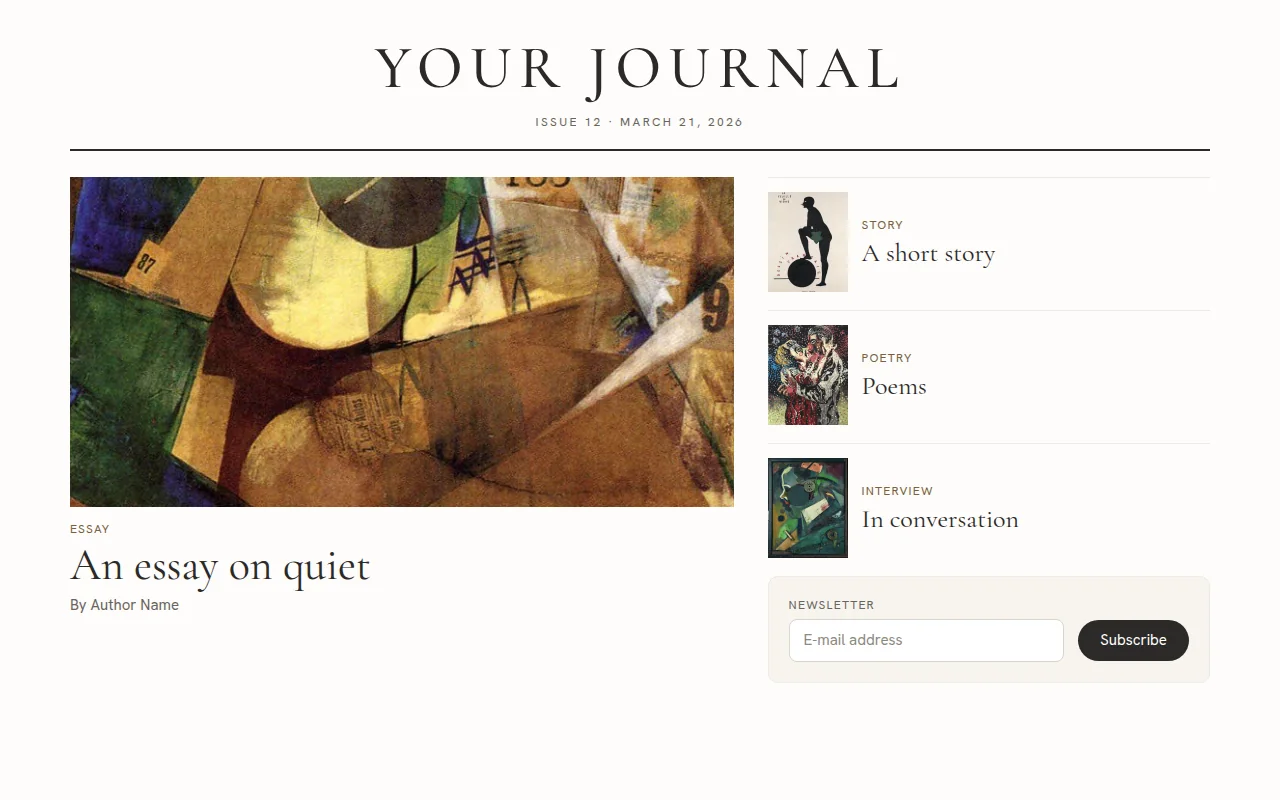
The public site, on desktop and phone. Public website
A front page worth returning to.
Built around your latest issue and your lead story.
Your lead story, recent articles and a subscribe form. A calm reading layout, on desktop and phone. Page titles, descriptions and a share image for every article.
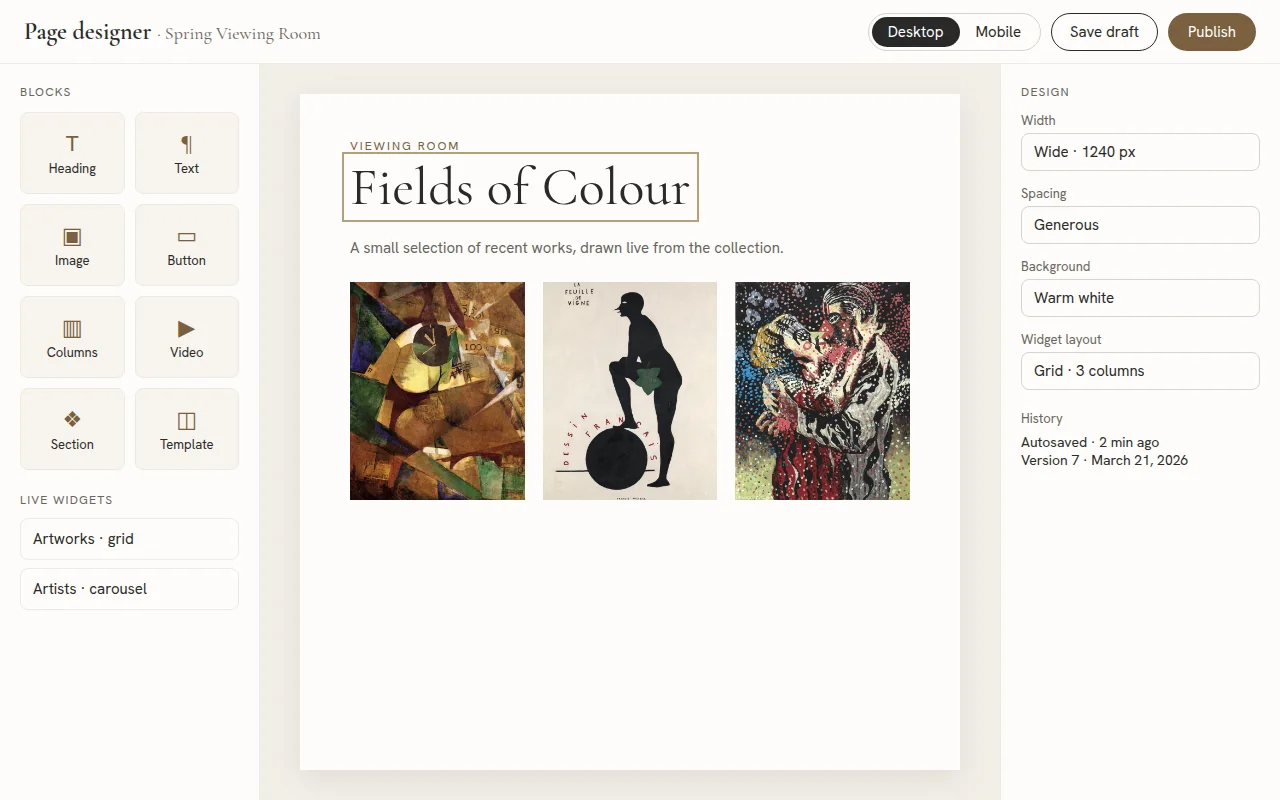
The page designer. Page designer
Design pages by dragging.
Build any page from blocks, ready-made sections and starter templates.
Live widgets that update when your content changes. Desktop and mobile preview, draft or publish, and version history. A private preview link to share a draft.
Clients
Running for writers and publications.
Let’s Talk
See it with your own work in mind.
Let’s Talk
Let’s Talk · Let’s Talk ·